

Maple Mayhem
Rake the yard clean. Your viewers will make sure it never stays that way.
- Version 1.1.0
- Languages 31
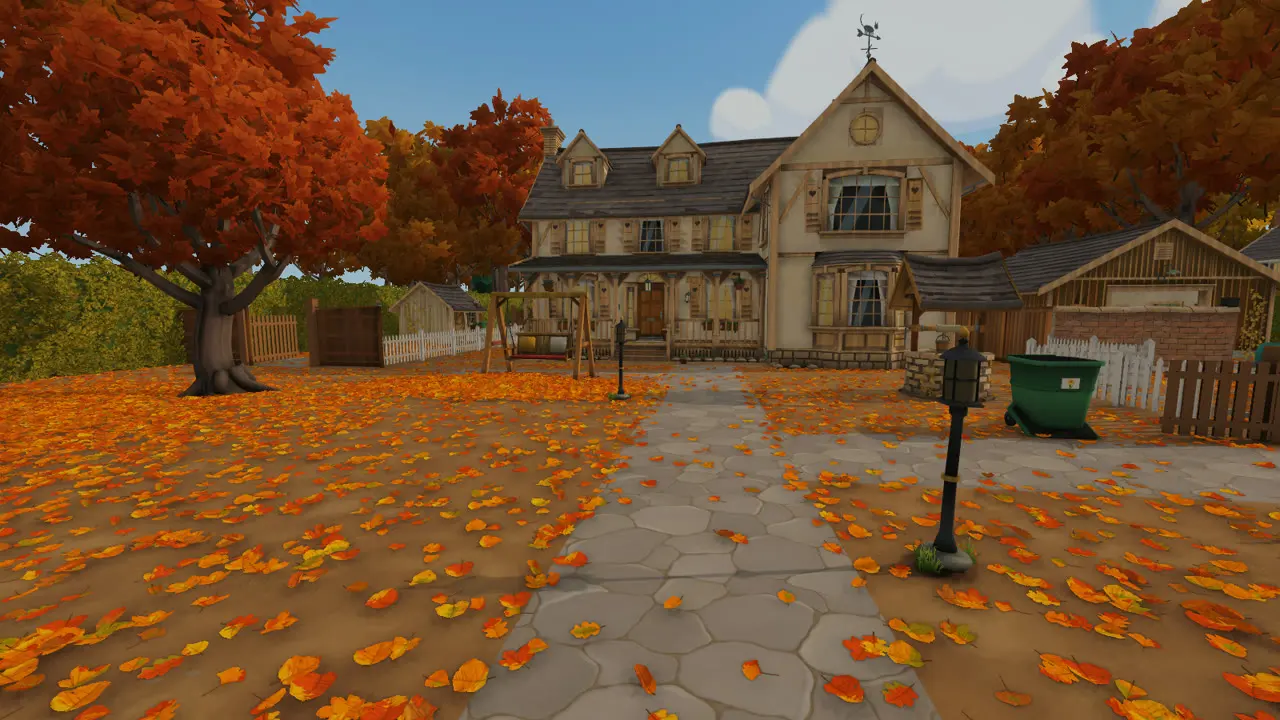
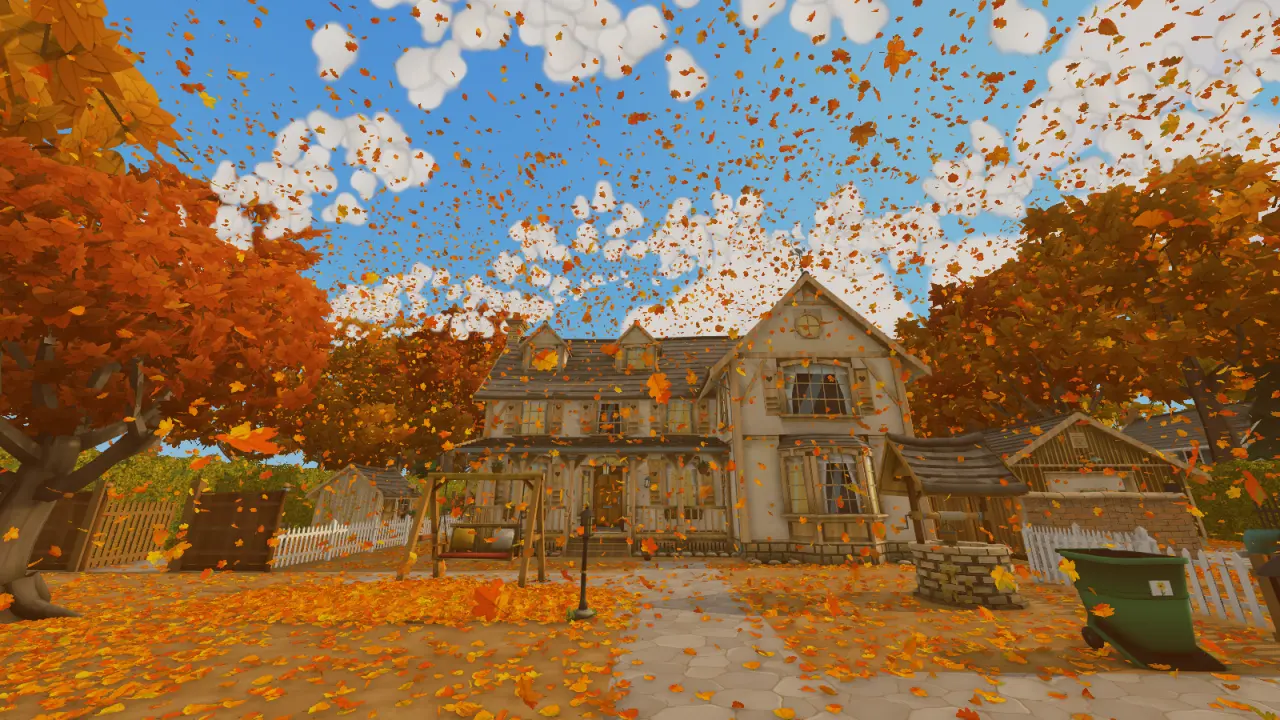
One yard, 600,000 leaves
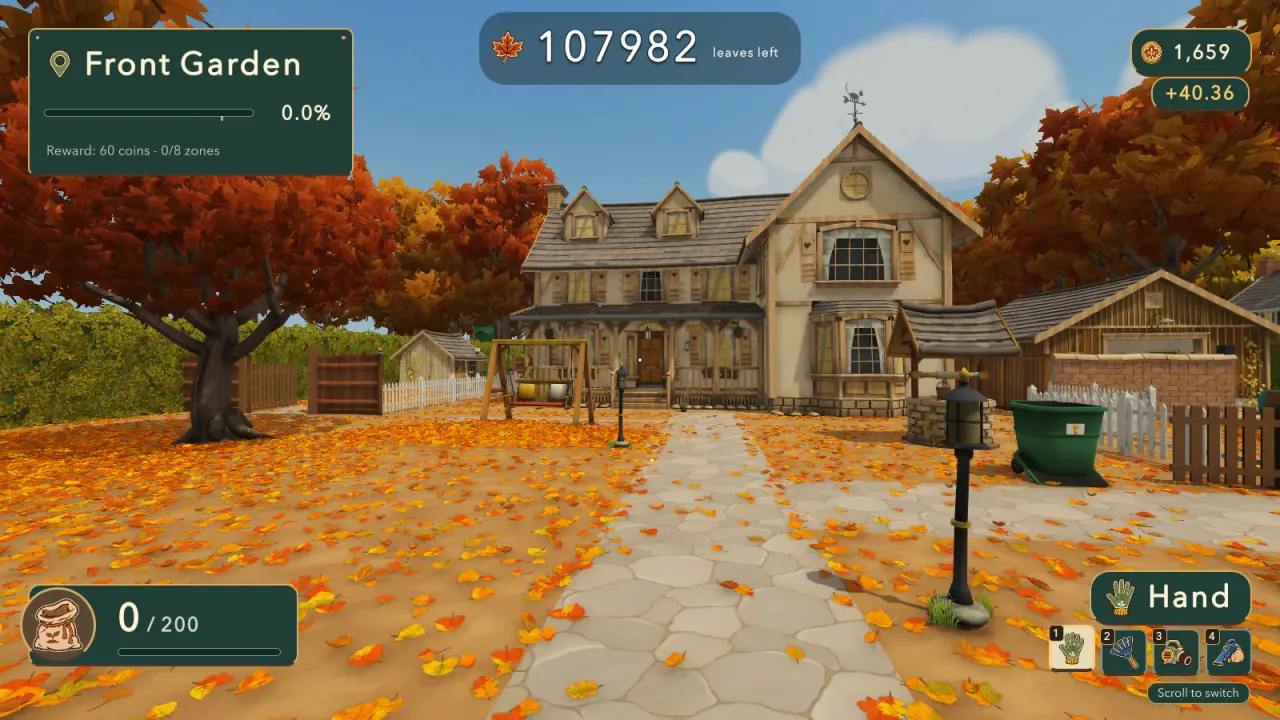
A first-person leaf clean-up. Rake, blow, vacuum, bag it, sell it and upgrade your tools until autumn is under control. It plays fine offline too, and your save remembers every single leaf.
Live, your viewers run the show
Every gift triggers an effect on screen with the sender's name on it. A few help you clean. Most of them give you more to clean.
What gifts do
Which TikTok gift maps to which effect is set in TikTok LIVE Studio.

Likes: mini tornado
Every like stirs up a little whirlwind. Every tenth one is a big one.

Molotov
Lands mid-screen and burns the leaves around it.

Supply drop
A crate parachutes in next to you and bursts into leaves.

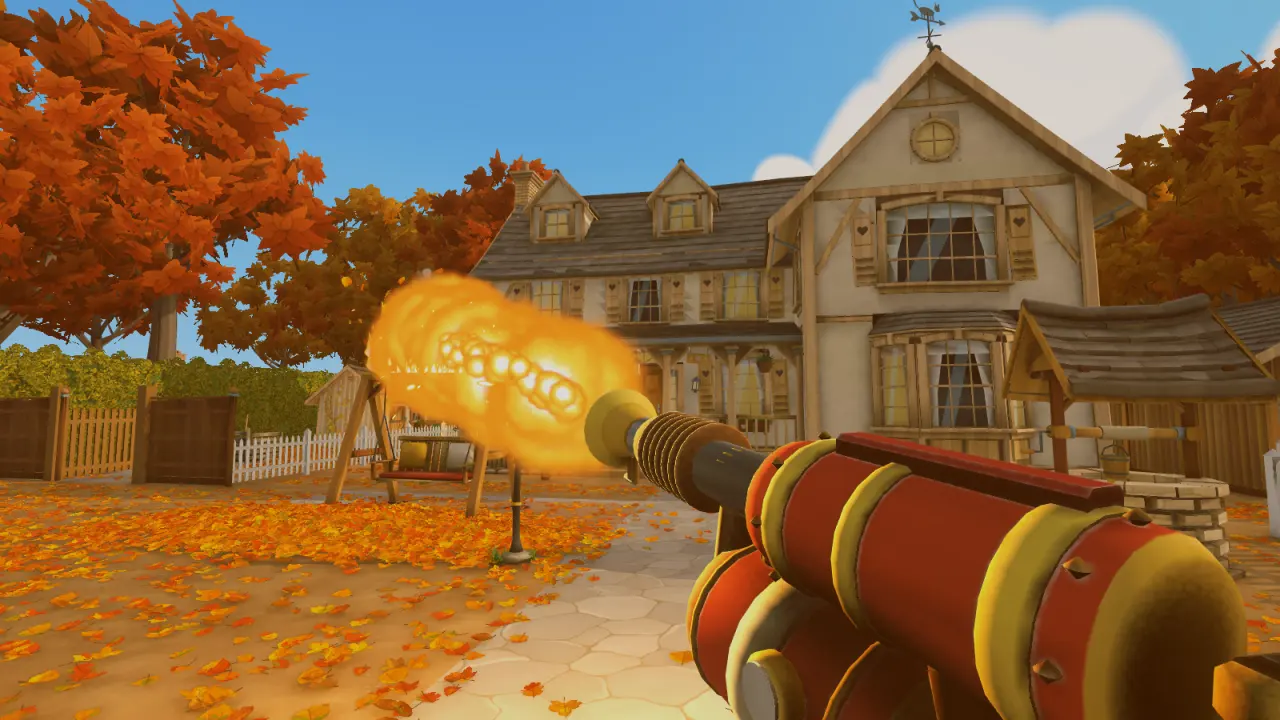
Flamethrower
Puts a flamethrower straight in your hands.

Helicopter
Follows you around dropping leaves for five whole minutes.

Airliner
Flies low over the yard and covers all of it in leaves.

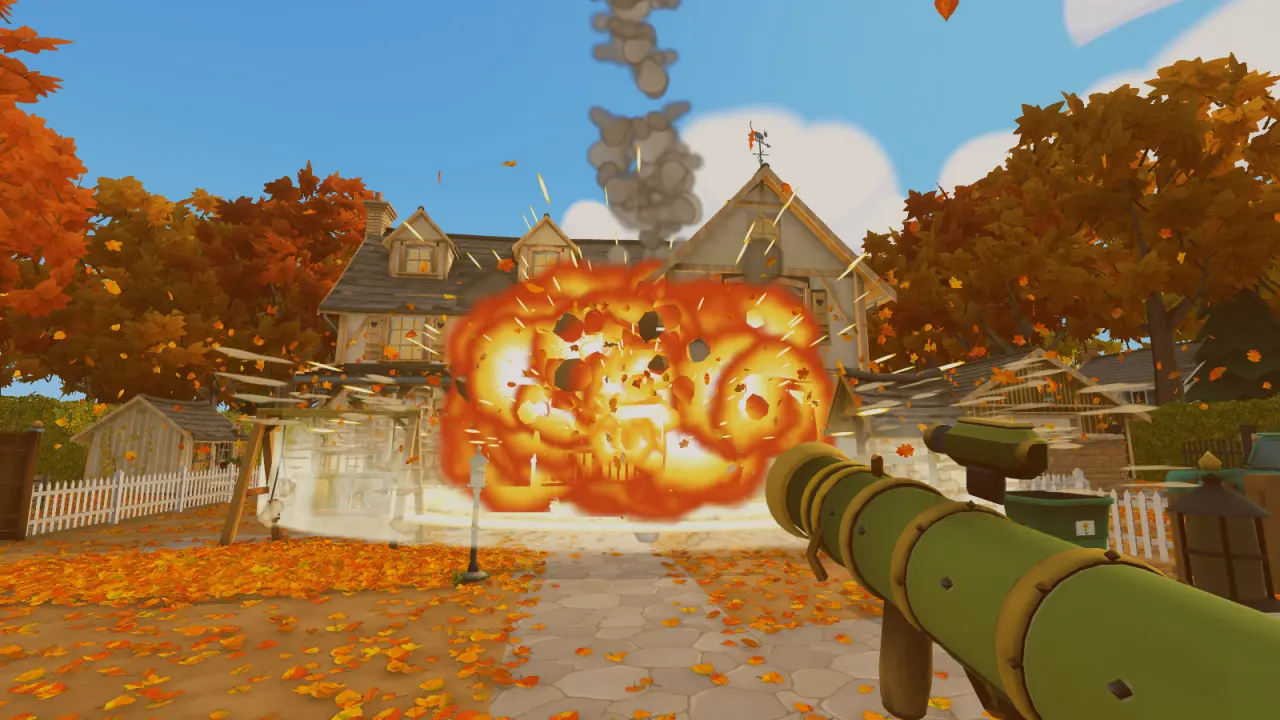
Rocket launcher
Swap to a rocket launcher and blow whole leaf piles sky-high.
And more
- Rain: wet, heavy leaves, slower tools, and the balloons come down.
- Speed and sleepy potions: sprint like the wind, or fight to keep your eyes open.
- Sheep: they eat leaves for coins, if they stay out of the fire.
- Bomb chest: cut the right wire within 30 seconds, or the yard fills up again.
- Cage: a helicopter carries you off until viewers send 20 likes.
- Leaf sprites, leaves stuck to the camera, leaf balloons, and the one that turns the yard into a nightclub.
Screenshots
For streamers
- Download and unzip. The Mac app is signed and notarized by Apple, so it opens with a double-click. On Windows, unzip the whole folder and run MapleMayhem.exe.
- Pick the game in TikTok LIVE Studio and go live. Gifts connect on their own.
- Opened on its own, the game runs offline, so you can practise first.
System requirements
- Mac with Apple silicon (M1 or newer)
- Windows 10/11 64-bit; a dedicated GPU runs smoother
- Graphics settings are picked for your GPU on first launch and can be changed in Options
- Controls: WASD to move, mouse to look, left click to use a tool, 1–4 to switch tools